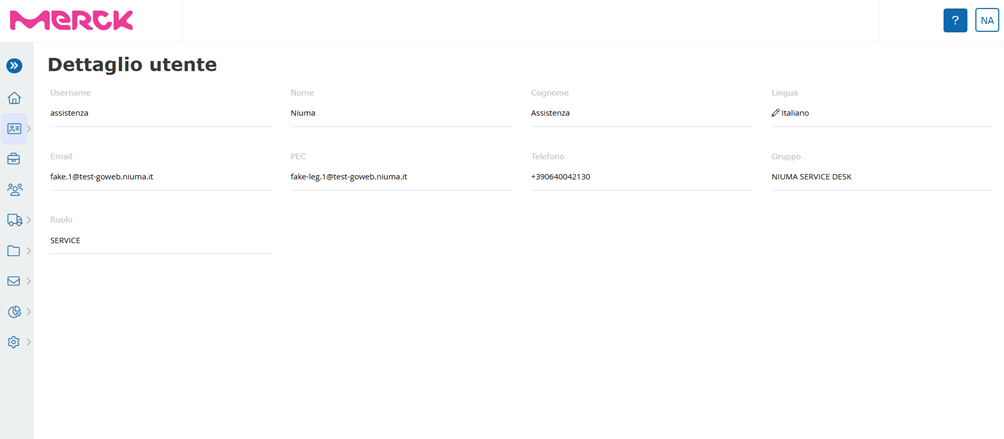
The Personal Area > Personal Data section is dedicated to displaying user information and changing the portal display language and related communications using the icon depicting a pencil.
The Personal Area > Received Communications section is dedicated to viewing communications, managed by the platform, received by the user himself.
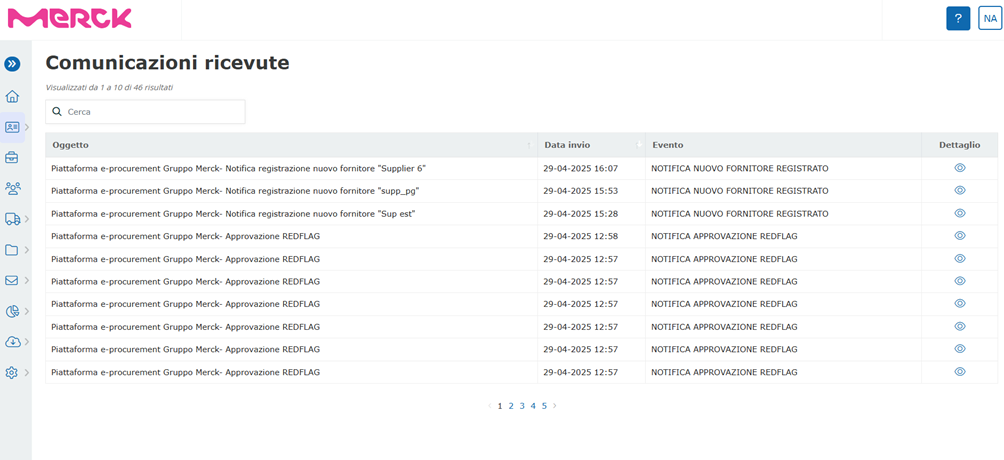
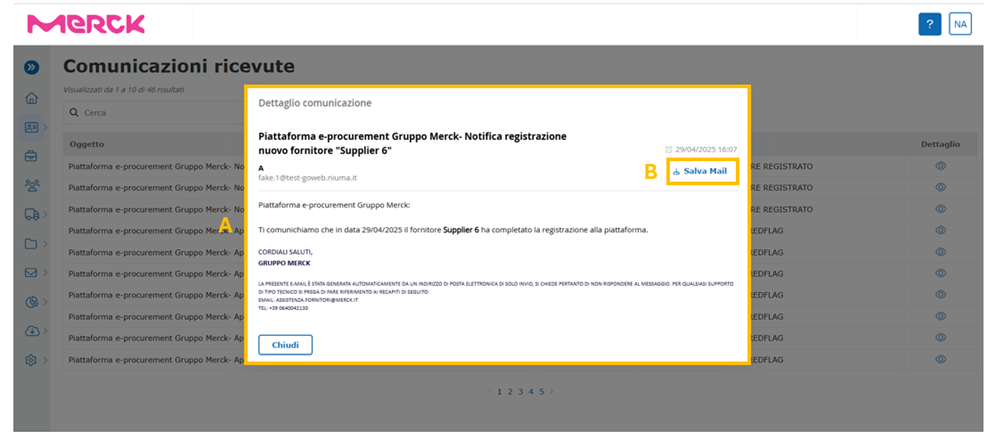
By clicking on the wink icon, located within the “Detail” column, the system will open a pop-up (A) containing the detail of the indicated communication..
Within the pop-up, the user has the option to save the email in question by clicking on the “Save Mail” button in the upper right corner (B).
Was this article helpful?
That’s Great!
Thank you for your feedback
Sorry! We couldn't be helpful
Thank you for your feedback
Feedback sent
We appreciate your effort and will try to fix the article