In the "Documents" area, the user can access and view all documents uploaded by suppliers. This includes:
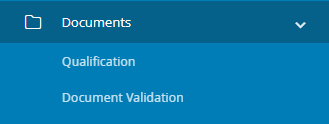
Qualification documents: This section contains all the documents uploaded to the e-procurement platform by the supplier during the qualification phase. Each document in the platform is associated with information such as the supplier who uploaded it, the supplier's status, the date the document was uploaded to the system, the date the document was issued to the supplier by the competent authority, the expiration date of the document, and the status of the document. Additionally, through the actions column, the internal user can view and download the document, and access its history if necessary.

Document Validation: In this section, you can find a list of all suppliers for which document validation is required. For each supplier, the following information is displayed: Supplier name, Vendor Code, Qualification status, VAT number, and the country of the supplier's location. You can also access the details of the documents that are pending validation and proceed with their validation through the "View" column.

Was this article helpful?
That’s Great!
Thank you for your feedback
Sorry! We couldn't be helpful
Thank you for your feedback
Feedback sent
We appreciate your effort and will try to fix the article