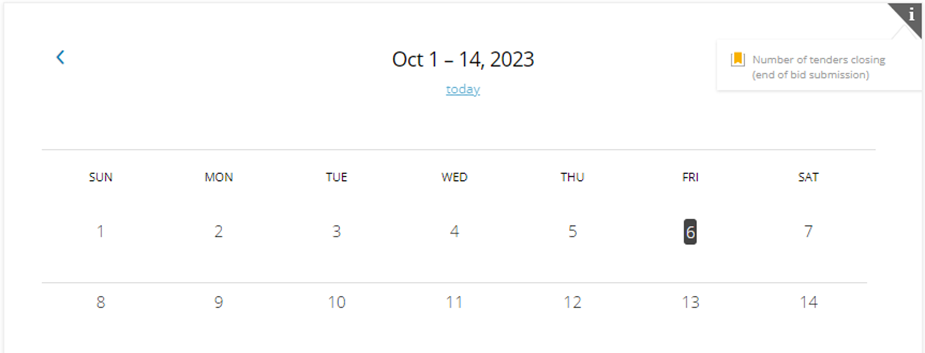
When doValue users log in using their credentials, they are directed to the Activity Overview page, providing an overview of their involvement in Platform activities. In addition to shortcuts for INVITED SUPPLIERS, SUPPLIERS IN REGISTRATION, and REGISTERED SUPPLIERS, users will also find shortcuts related to the Tender module, including RFX IN PROGRESS and RFX IN EVALUATION. The homepage also features a bi-weekly calendar displaying any upcoming deadlines and a section highlighting the Last communications received through the Platform for the logged-in user.
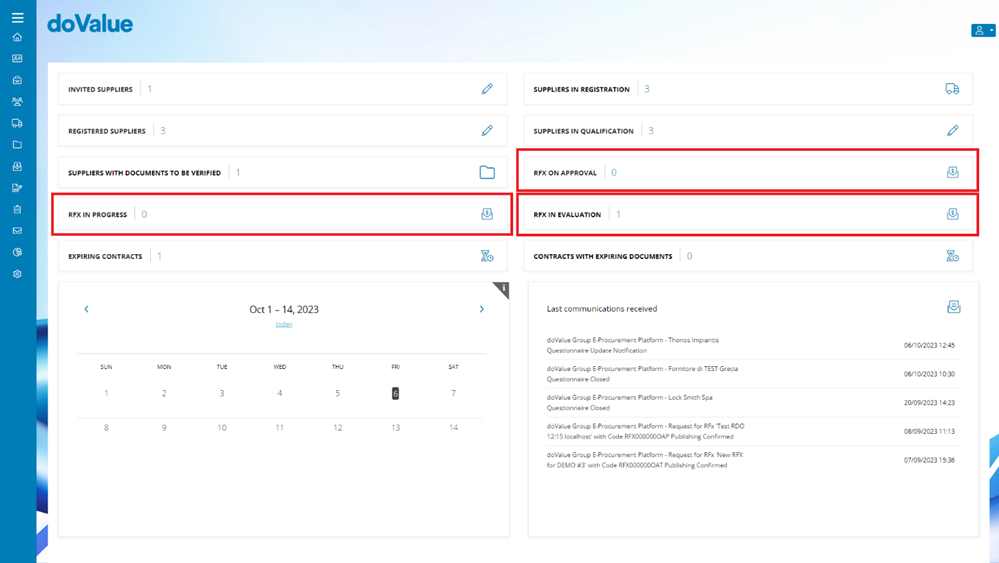
Through the links under the following fields, it is possible to access:
- "RFX List" filtered by "in progress" status by clicking on "RFX IN PROGRESS", acting on the number or on the connected icon;
- "RFx List" filtered by "Under evaluation" by clicking on "RFX IN EVALUATION", acting on the number or on the linked icon;
- "RFx List" filtered by "To be approved" by clicking on "RFX TO APPROVE", acting on the number or on the linked icon;
- the Rfx(s) closing on that date, acting on the link on the icon visible within the calendar at a specific date.
Through the links located beneath the following fields, users can access various functions:
- Access the RFX List filtered by In progress status by clicking on RFX IN PROGRESS
- The internal user can interact with the number or the associated icon:
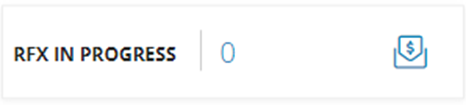
- The internal user can interact with the number or the associated icon:
- View the RFX List filtered by Under evaluation by clicking on RFX IN EVALUATION
- The internal user can interact with the number or the linked icon:
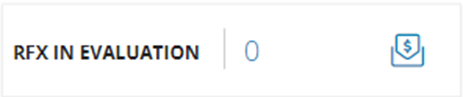
- The internal user can interact with the number or the linked icon:
- Review the RFX List filtered by To be approved by clicking on RFX TO APPROVE
- The internal user can interact with the number or the linked icon:
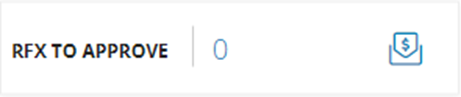
- The internal user can interact with the number or the linked icon:
- Access the RFX(s) closing on a specific date by clicking on the link or icon displayed within the calendar on that date:
Was this article helpful?
That’s Great!
Thank you for your feedback
Sorry! We couldn't be helpful
Thank you for your feedback
Feedback sent
We appreciate your effort and will try to fix the article