The Configurations section provides a comprehensive overview of the management tools related to suppliers and required qualification documents, facilitating process control and automation. Here’s a summary of the main features:
a. Features of the Configurations Section
1. System Emails
o View the list of email templates configured in the platform.
2. Questionnaires
o List of Questionnaires: Displays all questionnaires sent to suppliers.
o Questionnaire Details: For each questionnaire, the following information is available:
Title or SDI description (in Italian and English)
Relevant merchandise area
Legal form
Associated geographical area
o Actions: Access to the questions within each questionnaire and any attachable documents.
o Download Option: Ability to download the questions in Excel format.
3. Qualification Documents
o Document List: Presents the documents that may be required from suppliers.
o Document Information:
Issuing country
Validity period (in days)
Merchandise family for which the document is required
Requirement status for document submission
SDI association to view any related questionnaires
Expiry status and associated date, if applicable
4. Merchandise Categories
o View merchandise areas, with the ability to explore associated categories and subcategories by clicking on each area.
b. Conclusion
This section provides a comprehensive tool for effectively managing interactions with suppliers, ensuring that all necessary information and documents are easily accessible and well-organized. Additionally, the automation features help streamline management processes further.
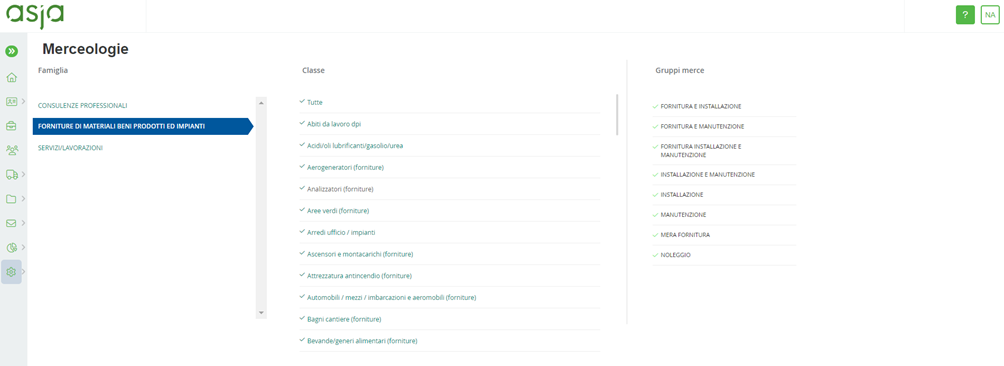
Figure 24. Asja Portal: Configurations – Product Category
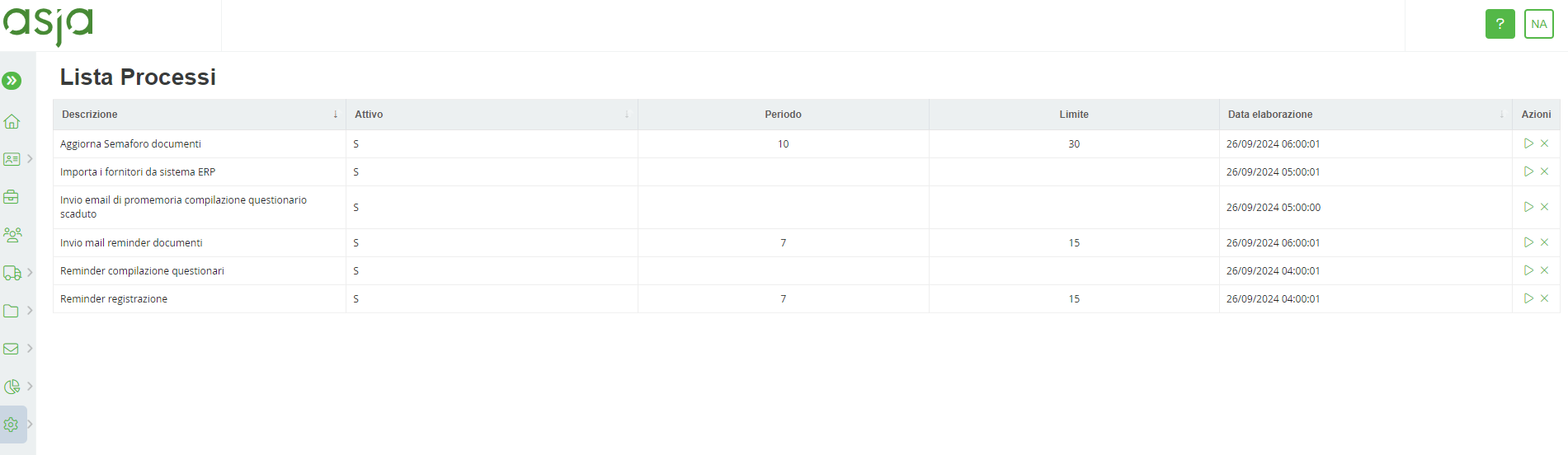
Figure 25. Asja Portal: Configurations - Processes
Was this article helpful?
That’s Great!
Thank you for your feedback
Sorry! We couldn't be helpful
Thank you for your feedback
Feedback sent
We appreciate your effort and will try to fix the article